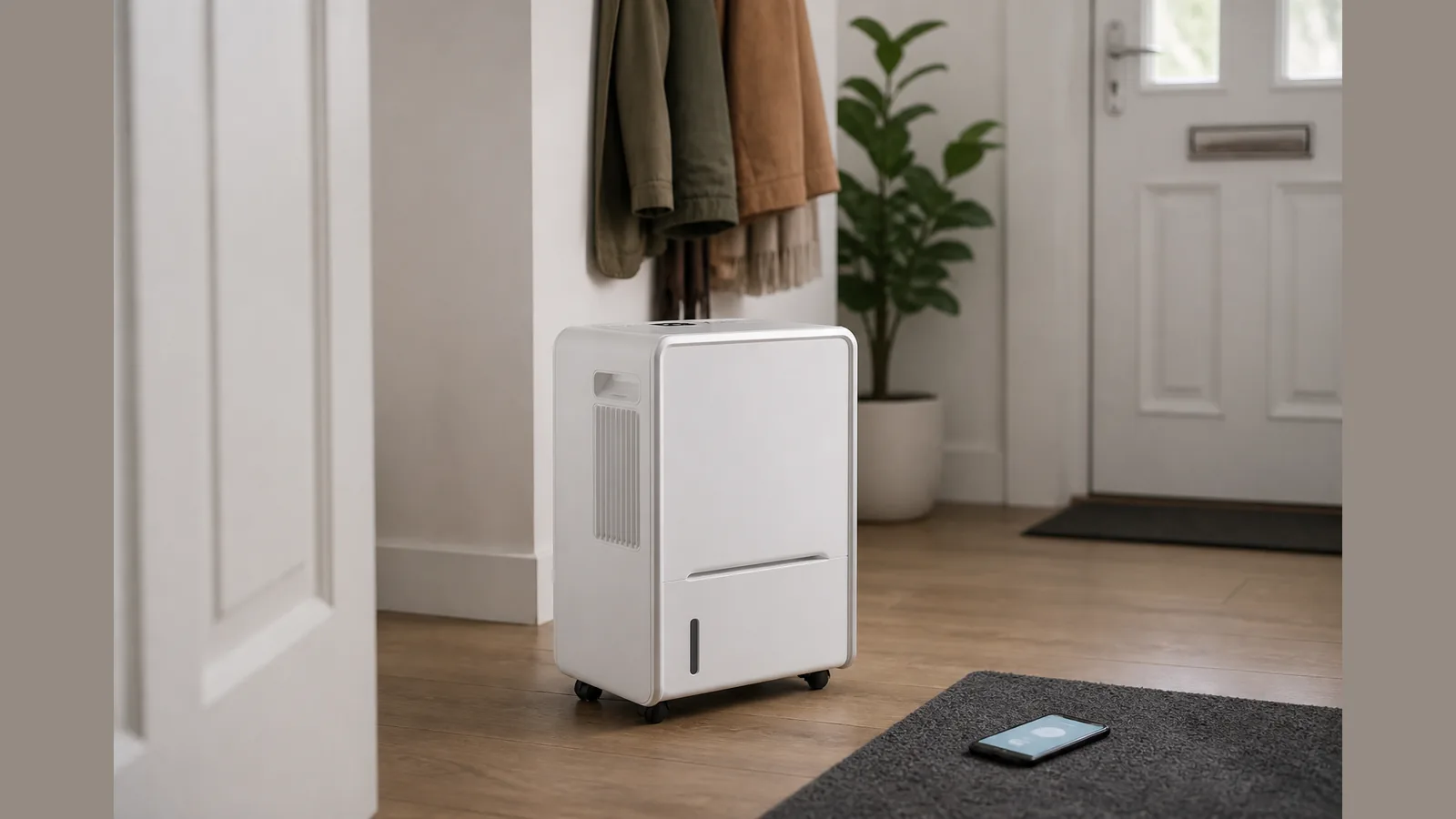
Meaco app Arete Two 12L setup UK: UK Guide for Arete Two 12L Homes
Direct answer
For Meaco app Arete Two 12L setup UK, download the Meaco app, create an account, power on the unit, hold the Smart Laundry button for two seconds until the Wi‑Fi indicator appears on the Chase display, then use Add device in the app to pair—following the official Arete Two 10L/12L instruction manual. The MeacoDry Arete Two 12L is positioned for flats and 1–3 bed homes, includes Meaco app control and an H13 HEPA filter, and carries a five-year warranty.
Prerequisites (2.4 GHz / account)
Before you start pairing, have a Meaco app account ready and place your phone on the same home Wi‑Fi network you intend to use. Many smart appliances pair most reliably on a 2.4 GHz network, so check your router band settings if discovery fails. Unpack the unit with the H13 HEPA filter available (remove any plastic bag before first use) and keep the instruction manual to hand. Official positioning for this 12L model is flats and 1–3 bed homes; wall brackets for 10L/12L models are sold separately if you plan a wall mount later.
Pairing steps from manual
The Arete Two 10L/12L UK instruction manual sets out app pairing as follows:
- Plug the dehumidifier into the mains and press the power button.
- Hold the Smart Laundry button down for 2 seconds.
- Confirm the Wi‑Fi indicator (under the Smart Laundry button) lights up on the Chase display.
- In the Meaco app, press the + button in the top right-hand corner, then choose Add device.
- When the app finds nearby devices and your dehumidifier appears, tap Add.
You can install the Meaco app from the App Store or Google Play (or via the QR code in the manual), then follow the in-app prompts to create an account and complete pairing. Holding the Smart Laundry button for 2 seconds is also how you enter Wi‑Fi mode from the control panel.
Common connect failures
If pairing stalls, work through these checks before assuming a fault:
- Confirm the unit is powered on and that you held Smart Laundry for a full 2 seconds until the Wi‑Fi indicator shows.
- Retry Add device while standing close to the dehumidifier with Bluetooth/location permissions allowed if your phone asks for them during discovery.
- If the display looks blank or unresponsive, check Night Mode: press the Night Mode button twice to exit, then try Wi‑Fi mode again.
- If Child Lock is on (hold Night Mode / child lock for 2 seconds to toggle), unlock the panel before changing settings.
- Little water in the tank is not an app fault—the manual notes low collection when humidity is already low, filters are dirty, the space is large, or windows and external doors are open.
Voice assistants may be available with some setups; treat Alexa or Google linking as optional and firmware-dependent rather than guaranteed for every unit.
When onboard controls are enough
You do not need the app for everyday humidity control. Arete Two adds a Chase display, louvre, an extra fan speed and app control compared with Arete One, so mode, target humidity and timers remain usable from the panel. For moisture in a UK flat, treat a dehumidifier as one tool alongside ventilation: UK advice commonly aims for roughly 40–60% relative humidity indoors. That keeps this guide focused on setup for a dehumidifier for a UK apartment or small flat 12L use case, rather than a capacity buying list comparing 12L vs 18L vs 20L models.
Next step
If you are setting up or comparing the MeacoDry Arete Two 12L for a flat or small home, review the current MeacoDry Arete Two 12L product details for specification, filters and warranty information before you buy or register the unit.
FAQ
Where do I download the Meaco app for Arete Two 12L setup in the UK?
Download the Meaco app from the App Store or Google Play, or scan the QR code in the Arete Two 10L/12L instruction manual, then create an account and follow the Add device flow.
How do I put Arete Two into Wi‑Fi pairing mode?
With the unit powered on, hold the Smart Laundry button for 2 seconds until the Wi‑Fi indicator lights on the Chase display, then add the device in the app.
Is the Meaco app required to run the Arete Two 12L?
No. Onboard controls and the Chase display cover day-to-day modes; the app is for remote monitoring and control when you choose to pair it.
Should I choose Arete Two 12L vs 18L for a small UK flat?
Meaco positions the Arete Two 12L for flats and 1–3 bed homes. Larger capacities in the wider range suit bigger spaces; this article covers app setup for the 12L rather than a full Meaco Arete Two 12L vs 18L which-to-buy comparison.